Published: · Author: UBIK365 Kft.
What does MDM solve in practice? The case of Waberer's driver phones
You cannot govern more than a hundred company phones by hand. Waberer's driver phones show which MDM step solves which problem.
Why is a large mobile fleet hard to govern by hand?
A company smartphone starts out as a work tool, but out of the box it can be used for anything. With ten devices, IT or a keen colleague can still go round them: install the right app, set a passcode, explain what the phone is for. With a hundred or a thousand devices, that model breaks down.
Three things happen in almost every company. Device settings slowly drift apart, because everyone handles them slightly differently. The policy exists on paper, but the device technically blocks nothing. And problems get solved over the phone in long 'what do you see on the screen now?' conversations – or by bringing the device back to the depot.
Mobile device management (MDM) gives a system-level answer to this. Of the lifecycle steps, three played the lead role here: policy, app management and remote support.
The case: driver phones in international haulage
In the Waberer's International Kft. fleet, some driver phones burned through as much as 10 GB of mobile data within a few days – on browsing, TikTok and YouTube. During a multi-day trip, a single phone could run up that much traffic, none of it work.
The issue is not only the bill. When the data allowance runs out, the driver cannot submit transport documents, does not receive the next job and cannot coordinate with dispatch. According to the source, in extreme cases communication on a single driver phone could stop for several weeks – causing delays, and delays can mean contractual penalties. The second typical source of trouble was drivers accidentally changing something in system settings, with the fix done by talking them through it on the phone.
Policy: one screen with only what the job needs
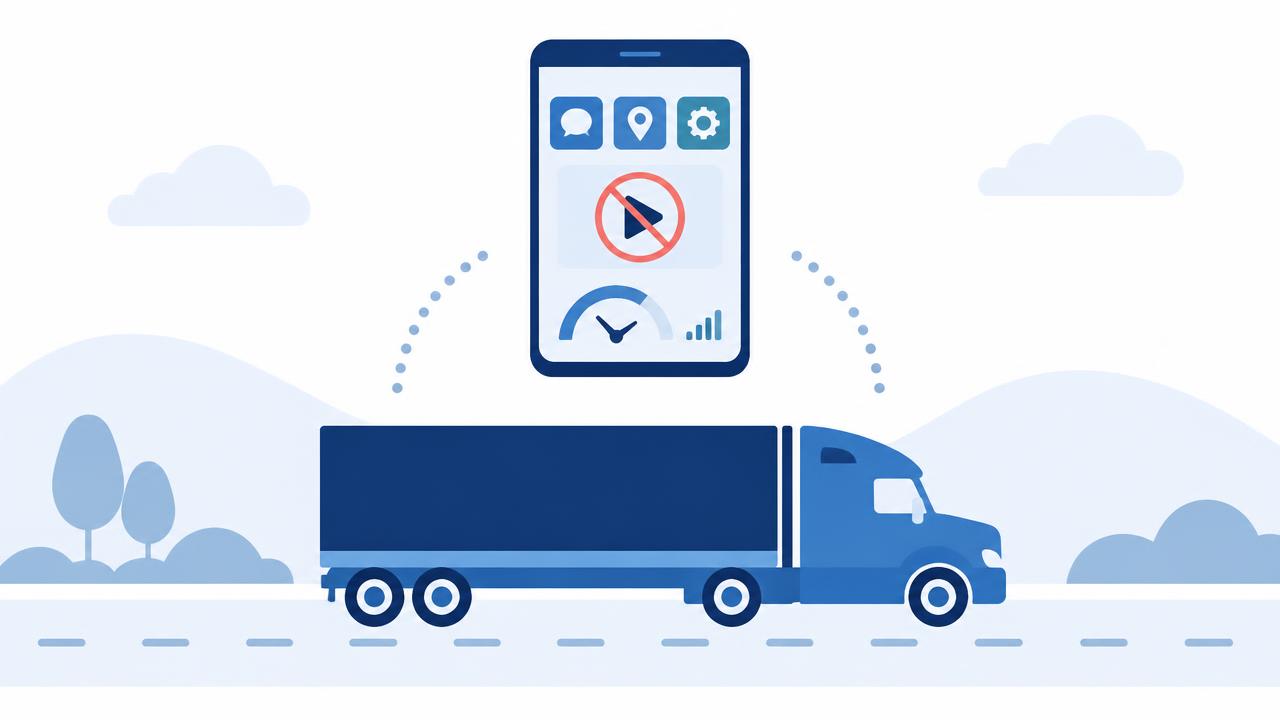
Central management turned the driver phone into a dedicated work tool. The driver sees one screen with the work apps, calling and SMS. YouTube, TikTok, the browser, the system settings menu and every other non-work app are blocked.
This is a technical limit, not a policy request: blocked apps cannot be launched and the settings menu cannot be reached. The causes of data overruns and misconfiguration disappear rather than just being handled faster.
Apps: central installation and updates
The management system installs and updates work apps across the whole fleet – both those from the public app store and custom apps built for clients. The latter matters a lot: without such a system, a custom app can only be updated phone by phone, starting again with every new version.
Support: remote access to the faulty device
When a driver has a problem – an app will not load, a notification does not arrive – support connects to the phone remotely, looks at the fault and fixes it. The device does not have to be brought in, and nobody spends half an hour navigating the settings menu over the phone.
Results reported by the source
- 90% of manual configuration tasks related to driver phones were eliminated.
- Several FTEs of staff time were freed up from the process.
- The system's full 3-year rollout and operating cost paid back within a few months.
- After the restrictions, daily data use returned to what the work needs: at most a few tens of megabytes a day.
What carries over to other industries?
The driver phone is just one example. The same pattern appears with retail devices, field service tablets, warehouse scanners and production-line terminals. The lesson comes down to three points:
- A policy document alone is not enough – if a function should not be available, the device policy has to exclude it, not the employee's self-discipline.
- App supply scales when in-house apps are updated through the same central process as public ones.
- Remote support does not only speed up troubleshooting; it replaces site visits and bringing devices in.
Bear in mind that capabilities differ by platform: full lock-down and remote support with a live screen are available on Android devices, while the management framework on iOS is narrower.
Source: sofortelefon.hu – Waberer's case study (in Hungarian)
Want to review which lifecycle step causes the most manual work in your fleet?