Published: · Author: UBIK365 Kft.
How to choose enterprise mobile device management: a decision guide for IT leaders
Choosing an MDM is not about comparing feature lists, but about clarifying what the system must do on your devices. Seven steps and a question list.
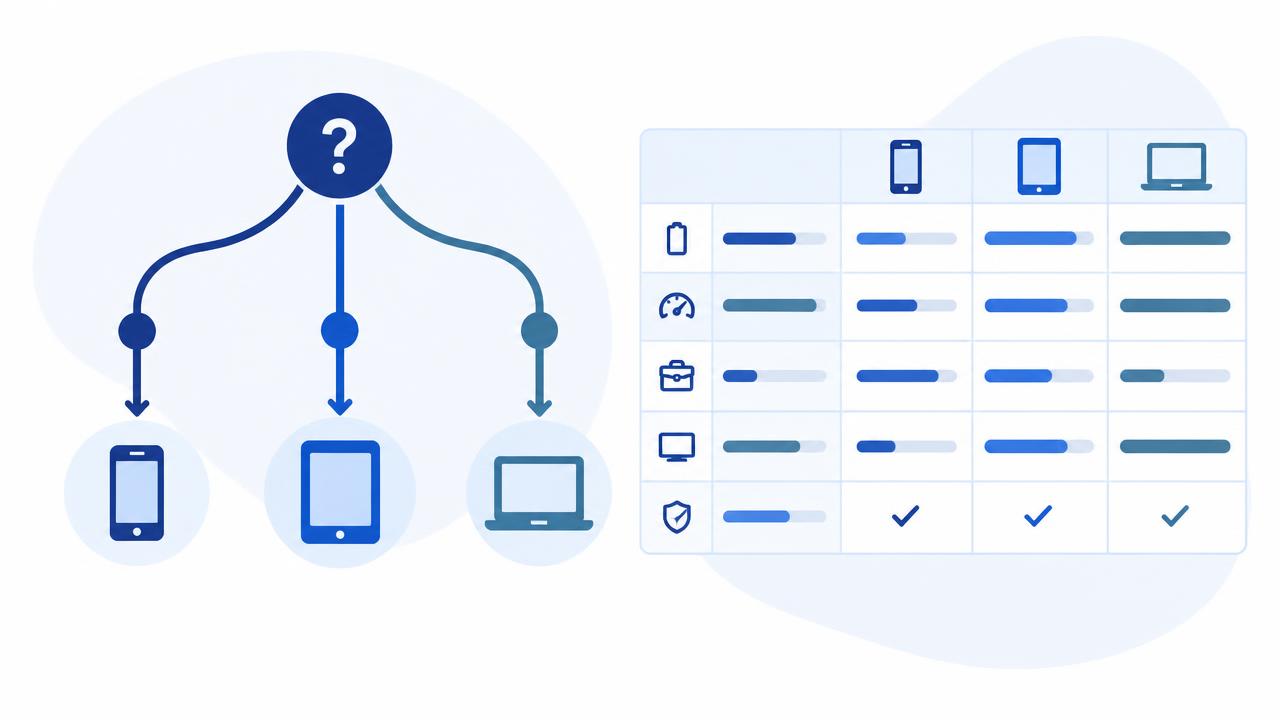
1. Starting point: device inventory
Before talking to any vendor, take an inventory by platform (Android, iOS/iPadOS, Windows, macOS, ChromeOS) and by ownership model: company-owned, company-owned with personal use, or the employee's own device. The ownership model decides which enrolment method and what level of data separation you will need.
2. The six lifecycle steps as a requirements list
Device management breaks down into six steps. For each, ask the vendor concrete questions:
- Enrolment – Is there automatic enrolment on first power-on? On which platform, through which purchasing channel?
- Configuration – Can Wi-Fi, email, VPN and passcode rules be assigned from one profile to every platform?
- Policy – Can a rule follow time, location or network? On which platform?
- Apps – Can in-house apps be managed the same way as public ones?
- Support – Is there a live screen and remote control, and on which devices? Included or a separate package?
- Security and retirement – Can just the company part be wiped? What is the process when someone leaves?
3. Must-have versus nice-to-have
Separate mandatory from convenience features: enrolment, policy, app deployment, remote support, selective wipe, kiosk and reporting. For a logistics fleet, kiosk and remote support may be mandatory; for an office iPhone estate, selective wipe and enrolment.
4. The platform-depth trap
The same feature name does not mean the same thing on Android, iOS and Windows. 'Remote support' means live screen and control on one platform, and only device commands on another. 'Kiosk' can be a customised multi-app interface or a single locked app. Ask for a platform matrix that shows, per feature and per platform, what is available.
5. Pilot: few devices, real users
Run the pilot on a few devices with real users, and have your questions ready in advance: how long does enrolling a device take, what kind of helpdesk tickets come in, what do users say? The goal is not a number, but understanding where the process gets stuck.
6. Total cost view
The licence fee is only one item. Account for rollout (profiles, enrolment, training), operations (who runs the console, who updates profiles) and support (who helps when you are stuck). Ask which features sit in a separate package.
7. Decision table
The template below helps compare vendors. Give each criterion a weight (e.g. 1–5), then score the vendors.
| Criterion | Weight | Vendor A | Vendor B |
|---|---|---|---|
| Platform coverage | |||
| Evenness of features across platforms | |||
| Enrolment methods | |||
| Context-aware policy | |||
| App management (incl. in-house apps) | |||
| Remote support and its conditions | |||
| Selective wipe | |||
| Kiosk mode | |||
| Reporting | |||
| Rollout and local support |
10 questions for vendor meetings
- Exactly which features are available on which platform? Can we get a platform matrix?
- Which automatic enrolment methods exist, and what do they require at purchase?
- How does the system handle personally owned devices and private data?
- Which events can a policy be tied to, and on which platform?
- How are in-house apps distributed and updated?
- Is there live-screen remote support, on which devices, and does it require user approval?
- How does selective wipe work when someone leaves or a device is lost?
- Which kiosk modes are available per platform?
- Which reports and logs are available in the console?
- Who helps with rollout, pilot and operations, and is local support available?
We are happy to go through the question list with your device fleet.