Published: · Author: UBIK365 Kft.
One configuration for every device: how BHS Trans standardised its driver phones
If every device is a little different, every change and every troubleshooting session starts from scratch. Standardisation is one of the least visible but most useful MDM steps.
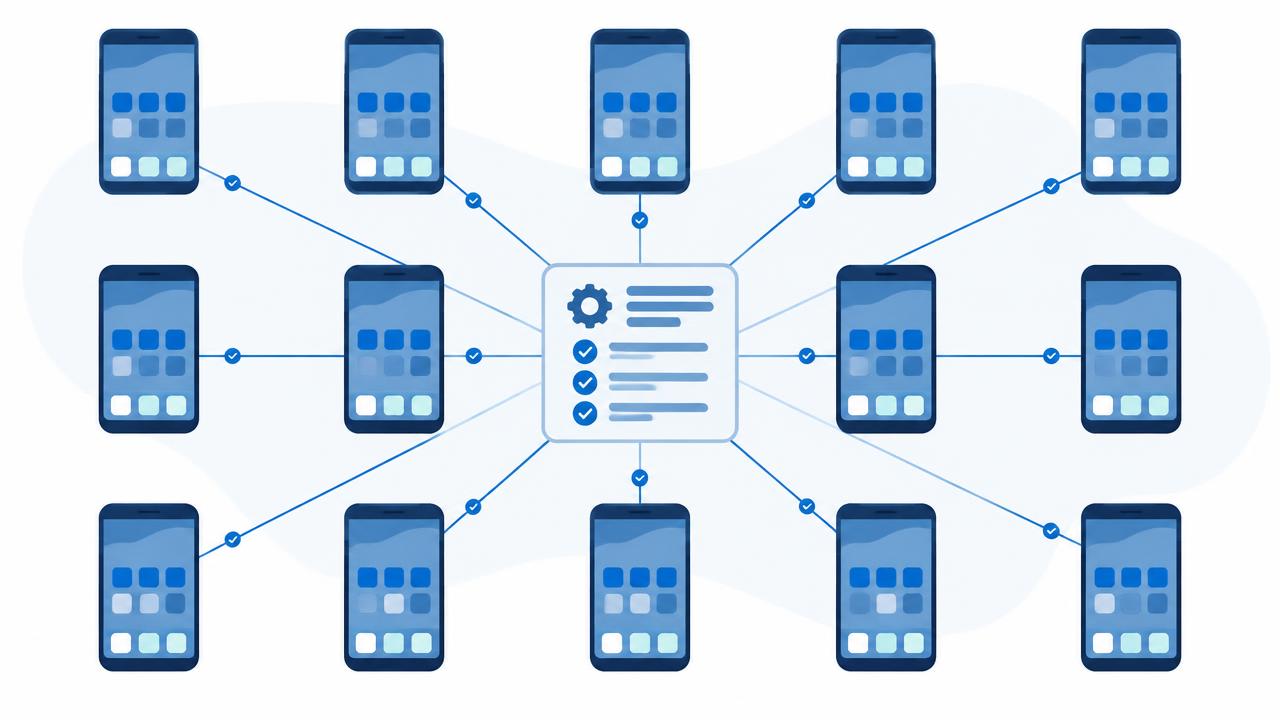
Why does it cost money when every device is a little different?
Company device fleets rarely come from one organised rollout. Devices arrive gradually: a new hire, a broken phone, a new client requirement. Someone sets each one up by hand – not always the same colleague, and not always with the same steps.
The result is a fleet where every device works somehow, but each in its own way. When something needs to change – a new app, a new security parameter, a new rule – the work is repeated device by device. Troubleshooting becomes detective work, because there is no known baseline.
The case: more than 400 driver phones, each set up differently
The BHS Trans Kft. fleet ran more than 400 driver phones, practically each configured differently: wallpaper, app layout, permissions and notifications all varied. Any new requirement would have meant someone going through every phone one by one – while a large share of them were out on the road.
The company set three requirements: uniform settings that are easy to change; phone restriction with kiosk mode so the device can only be used for work; and corporate branding, meaning the company logo and wallpaper on every device.
Configuration: one base profile for the whole fleet
In the central management system, every phone receives the same configuration: the same apps, permissions and home-screen elements. When a new setting is needed, it is changed in one place and takes effect on every phone in the fleet.
Policy: a kiosk view with only what the job needs
The driver sees a simple view where only company apps and calling are available. The browser, YouTube, TikTok, the system settings menu and every other non-company app are blocked.
Branding and central app updates
The company logo and a custom wallpaper were placed on every phone centrally. Brand elements can be replaced remotely. Installing and updating custom apps that do not come from an app store is just as central a process as for public ones.
Results reported by the source
- 90% of tasks related to driver phones were automated.
- One full employee's (FTE) time was freed up.
- Faults and communication outages caused by running out of mobile data or misconfigured phones stopped.
What changes for the helpdesk?
In a standardised fleet, troubleshooting is routine diagnostics: if something is wrong on a device, it differs from a known baseline. The 'what is on which phone?' question disappears, and changes no longer wait until someone has time to go through the devices.
The nature of the work changes too: instead of 'how do we roll this out to 400 devices?', the question becomes 'what should we configure?'.
How to build a good base profile – in any industry
- Collect what every device needs: network, email, VPN, passcode rules, core apps.
- Separate the common base from role-based additions (e.g. field, office, warehouse).
- Decide what is blocked: settings menu, app store, non-company apps.
- Test on a few devices with real users.
- Roll it out centrally, and make every further change in the profile, not on the device.
Depth of control differs by platform: the most granular settings and full kiosk mode are available on Android devices.
Source: sofortelefon.hu – BHS Trans case study (in Hungarian)
Curious what a base profile for your fleet would look like?